IFrame Integration
Note: IFrame integration is an alternative to the recommended JavaScript widgets. If you are not sure which type of integration to use, see here first.
If you want to embed the Search Expander Knowledge Panel as an <iframe>,
insert the following into the appropriate place in your web page,
setting the URL query parameters appropriately:
<iframe src="https://api.searchexpander.com/iframe?se=<search engine id>&url=<trigger url>&q=<search phrase>&lang=<language>"></iframe>
You will need to have a search engine set up in your account. You can do this via your account settings page.
In addition, you must save appropriate search engine settings, including a search URL template (see here).
Your settings will be loaded from your account inside the <iframe>.
Important: If your page has a restrictive Referrer-Policy (e.g. no-referrer or same-origin) which would prevent the Referer being provided to the iframe, you should add an origin parameter to the <iframe> src set to your page's origin. (The origin should include
URL schema and port number, if non-default, e.g. https://example.com.) This is necessary because the Search Expander iframe needs to know its parent origin for authentication and message passing.
(See MDN Docs for more details.)
URL query parameters
The base URL for the <iframe> src is https://api.searchexpander.com/iframe. You must add a number of query string parameters to this
URL to successfully load a Knowledge Panel.
Main parameters
- se: Your search engine ID (required). You can find this on your account settings page.
- url: One or more trigger URLs for the Knowledge Panel (required). See below.
- q: The user's search query (required).
- lang: The language to use for the Knowledge Panel (two-letter ISO language code, e.g.
'en') (required). - safesearch: Whether to enable safe search, which filters out any adult content from widgets (the value must be
trueorfalse). Defaulttrue. - origin: If you have a restrictive
Referrer-Policy, set this to your page's origin.
Style parameters (optional)
Normally you will set styles via the search engine preview page within your account, which will allow you to
get the Knowledge Panel's appearance consistent with your web page. However, sometimes
you might want to dynamically override these styles via the <iframe> URL parameters (for example, your site might
have a 'dark' mode).
- font: Font family (e.g.
'sans-serif') (see below) - fontfile: URL to font file (see below)
- fontimport: URL to CSS stylesheet import (see below)
- bg: Background colour (e.g.
'#605') - fg: Foreground colour (e.g.
'#FFF') - link: Link colour (e.g.
'#6AF') - accent: Accent colour (e.g.
'#FF6') - fgem: Foreground emphasis colour (e.g.
'#F6F') - fgalt: Foreground alt colour (e.g.
'#FF6') - border: Border shorthand property (e.g.
'1px solid #eee') - arrowbg: Arrow button background colour (e.g.
'#605') - arrowfg: Arrow button foreground colour (e.g.
'#FFF') - arrowborder: Arrow button border shorthand property (e.g.
'1px solid #FFF') - darkicons: Dark icons (e.g.
'#FFF') - darkplaceholders: Dark placeholder images (
'true'|'false') - pillbg: Pill background colour (e.g.
'#605') - pillfg: Pill foreground colour (e.g.
'#FFF')
Fonts
If you specify a font parameter, its value must be a single font-family name, e.g. sans-serif.
If you specify a fontfile parameter, its value must be an absolute HTTPS URL to a font file of
an appropriate type with a matching extension. The permitted font types/extensions are:
woff2woffeototfttf
Example: https://example.com/fonts/my-font.woff2.
Make sure the font file is available cross-domain (see MDN docs).
If you specify a fontimport parameter, its value must be an absolute HTTPS URL to a CSS
stylesheet, e.g. https://fonts.googleapis.com/css2?family=Anton. This parameter will be used in a
CSS @import directive. You will usually need also to specify a font parameter, e.g. Anton.
Trigger URLs
You need to provide one or more trigger URLs as url parameters in the <iframe> src:
<iframe src="https://api.searchexpander.com/iframe?se=xxxx&url=<url 1>&url=<url 2>&url=<url 3>&q=example&lang=en"></iframe>
For basic triggering, just send Search Expander a wikipedia.org URL whenever it appears in your search results.
For more complete triggering, please check for the following additional domains in your search results and send
us the corresponding URLs:
- wikipedia.org
- imdb.com
- justwatch.com
- rottentomatoes.com
- last.fm
- igdb.com
- similargames.org
- gameforge.com
- moregameslike.com
- ggdeals.com
- moviepilot.de
Please do not send Search Expander any other URLs, other than the ones that correspond to the websites listed above. Doing so will use up resources unnecessarily and will not result in any additional knowledge panels being sent.
You can use the following regular expression to filter search result URLs:
\b(wikipedia\.org|justwatch\.com|rottentomatoes\.com|moviepilot\.[a-z]+|last\.fm|igdb\.com|similargames\.org|gameforge\.com|moregameslike\.com|gg\.deals|imdb\.com)\/
Simple Example
<?php
// User search query:
$q = 'goodfellas';

// Search result URLs:
$urls = ['https://en.wikipedia.org/wiki/Goodfellas', 'https://www.justwatch.com/uk/movie/goodfellas', 'http://example.com/2', 'http://example.com'];

// Get a Wikipedia trigger URL:
$trigger_url = array_find($urls, fn ($url) => str_contains($url, '.wikipedia.org'));

// Conditionally render the iframe:
if ($trigger_url):
    ?>
    <iframe src="https://api.searchexpander.com/iframe?<?= htmlspecialchars(http_build_query([
        'se'    => 'xxxx', // Your search engine ID
        'url'   => $trigger_url,
        'q'     => $q,
        'lang'  => 'en',
    ])) ?>" style="border: none; width: 100%; height: 1500px; "></iframe>
    <?php
endif;
Full Example
<?php
// User search query:
$q = 'goodfellas';

// Search result URLs:
$urls = ['https://en.wikipedia.org/wiki/Goodfellas', 'https://www.justwatch.com/uk/movie/goodfellas', 'http://example.com/2', 'http://example.com'];

// Regular expression for trigger URLs:
$regexp = '/\\b(wikipedia\\.org|justwatch\\.com|rottentomatoes\\.com|moviepilot\\.[a-z]+|sky\\.[a-z]+|last\\.fm|igdb\\.com|similargames\\.org|gameforge\\.com|moregameslike\\.com|gg\\.deals|imdb\\.com)\\//';

// Find trigger URLs:
$trigger_urls = array_filter($urls, fn ($url) => preg_match($regexp, $url));

// Conditionally render the iframe:
if ($trigger_urls):
    ?>
    <iframe src="https://api.searchexpander.com/iframe?<?= htmlspecialchars(http_build_query([
        'se'                => 'xxxx', // Your search engine ID
        'url'               => $trigger_urls,
        'q'                 => $q,
        'lang'              => 'en',
        'safesearch'        => 'false',
        'origin'            => 'https://example.com',
        'fontimport'        => 'https://fonts.googleapis.com/css2?family=Anton',
        'font'              => 'Anton',
        'bg'                => '#333',
        'fg'                => '#F6F7F7',
        'link'              => '#11EEFA',
        'accent'            => '#FE77FA',
        'fgem'              => '#EEE',
        'fgalt'             => '#11EEFA',
        'border'            => '1px solid #EEE',
        'arrowbg'           => '#333',
        'arrowfg'           => '#EEE',
        'arrowborder'       => '1px solid #EEE',
        'darkicons'         => '#EEE',
        'darkplaceholders'  => 'true',
        'pillbg'            => '#555',
        'pillfg'            => '#FFF',
    ])) ?>" style="border: none; width: 100%; height: 1500px; "></iframe>
    <?php
endif;
(The above code is for illustration only.)
If there are no trigger URLs in your search results, you should avoid rendering the <iframe> entirely.
Search URL template
In order that Knowledge Panel links can become search links, you need to specify a search URL
template. See the Setup accordion on the search engine preview page.
If you need to dynamically set this value in the <iframe> src (e.g. for development/staging), you can pass it via the
urltemplate parameter.
Height correction
In order to allow the <iframe> to set its height dynamically as the Knowledge Panel content changes,
you can add the following JavaScript code to your page:
const iframe = document.getElementById('sxpr-iframe'); // Make sure the iframe ID is set!
window.addEventListener('message', (event) => {
    if (event.data?.type === 'sx-height' && event.data.height) {
        // event.data.height will be a number
        iframe.style.height = `${event.data.height}px`;
    }
});
Detecting widget load
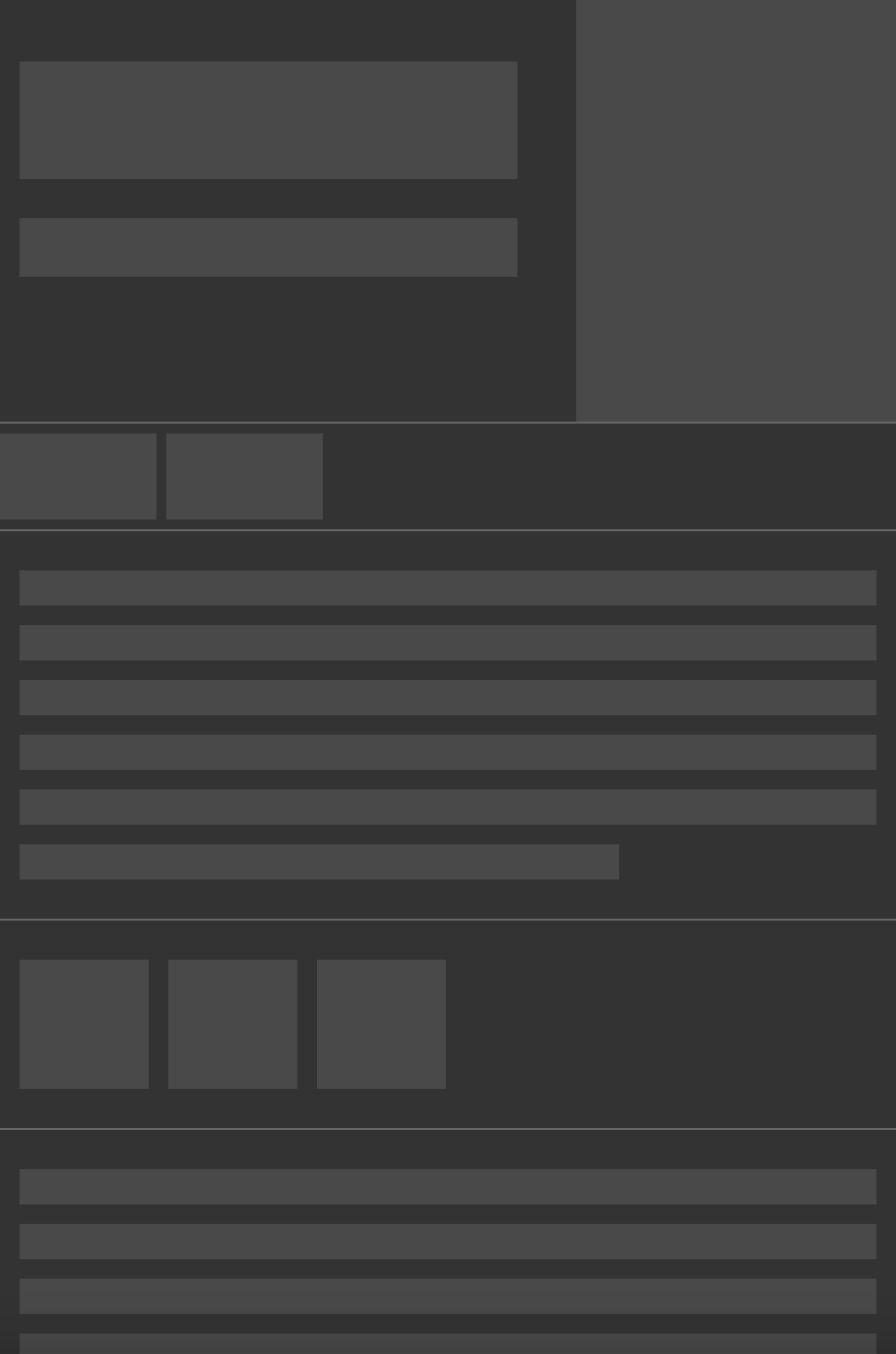
When the <iframe> has loaded, your web page will be posted an sx-complete event.
Here's example code which shows loading bars while the <iframe> loads and responds
to the sx-complete event by hiding them:
<style>
    #skeleton {
        animation: 0.5s infinite alternate skeleton;
    }
    @keyframes skeleton {
        from {
            opacity: 0;
        }
        to {
            opacity: 1;
        }
    }
</style>

<script>
    window.addEventListener('message', (event) => {
        if (event.data?.type === 'sx-complete') {
            document.getElementById('skeleton')?.remove();
        }
    });
</script>

...

<div class="search-results">...</div>
<div class="sidebar">
    <iframe id="sxpr-iframe" src="…"></iframe>
    <div id="skeleton">
        <img alt="" src="skeleton.png" />
    </div>
</div>
You can download example loader skeleton images for this purpose here: Light version Dark version

Proxying
If you want to proxy the requests made to and by Search Expander, you can follow the steps below.
For the purposes of illustration, let's say you have a proxy set up at https://example.com/proxy.
The proxy must read a url query parameter (for full URLs to third-party requests), and a path parameter
(for URL paths of requests made to api.searchexpander.com), and handle these appropriately.
- Change your
<iframe>srcfromhttps://api.searchexpander.com/iframe?…tohttps://example.com/proxy?url=https%3A%2F%2Fapi.searchexpander.com%2Fiframe%3F…. - Update your search engine settings:
- Knowledge panel » Audio URL template:
https://example.com/proxy?url={url} - Knowledge panel » Wikipedia Popup URL template:
https://example.com/proxy?url={url} - Private search engine » Image URL template:
https://example.com/proxy?url={url} - Private search engine » Search Expander assets URL template:
https://example.com/proxy?path={path} - Private search engine » Search Expander API URL template:
https://example.com/proxy?path={path}
- Knowledge panel » Audio URL template:
Unsupported features
When using an <iframe> version of Search Expander, you currently cannot use the following features,
so setting them on the search engine preview page will have no effect:
- Instant Answers
- Top Bar / Search Suggestions
- Media Thumbnail Bar
- Style Breakpoints
- YouTube Thumbnails
If you have any questions, please contact us!